Quote:
Originally Posted by apptest

Max Well I might have found one reason for the issue, I just made some changes, see if it's improved for you? you will have to make sure you dont have the old version of the editor. I changed the filename so the browser should be getting you the new one but incase if it doesnt you can try reloading the page by hold shift or ctrl and pressing the reload icon with your mouse
|
Thank you for clarifying that deleting an image from a post will only delete that specific use case and not from any other posts in which it may be used - helpful to know.

So for this trial to see if improvement noted as you requested, I'll share some text and then upload a few random images to see how it goes.
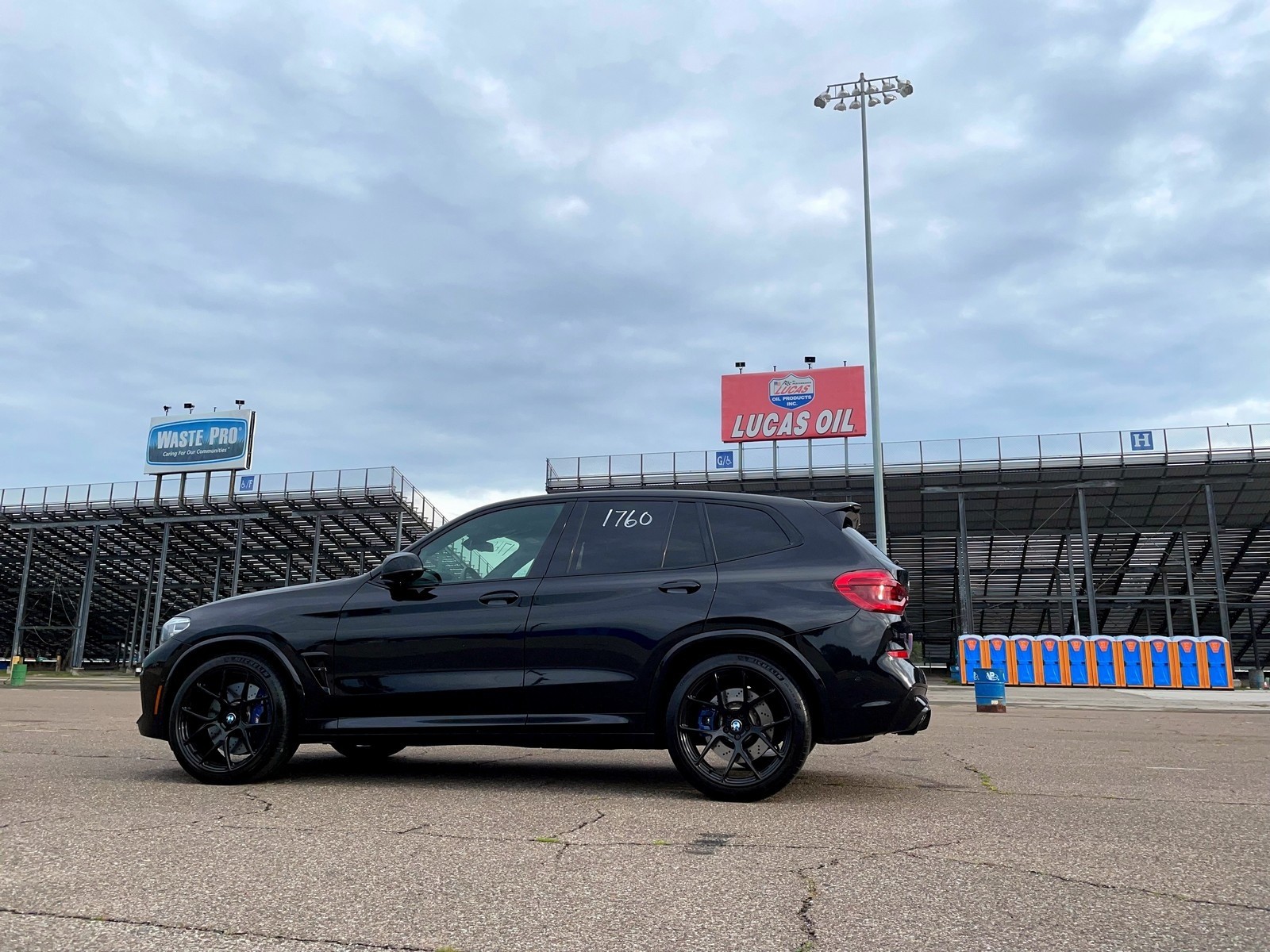
I chose the middle of the three images, and tried to just drag and drop it on the line, but that made the cursor disappear again, so I used the '+' to 'Insert inline' at the bottom right of the image in the lower sub-folder image holding area and it inserted fine. Next, I'll choose the third image in the lower grouping:
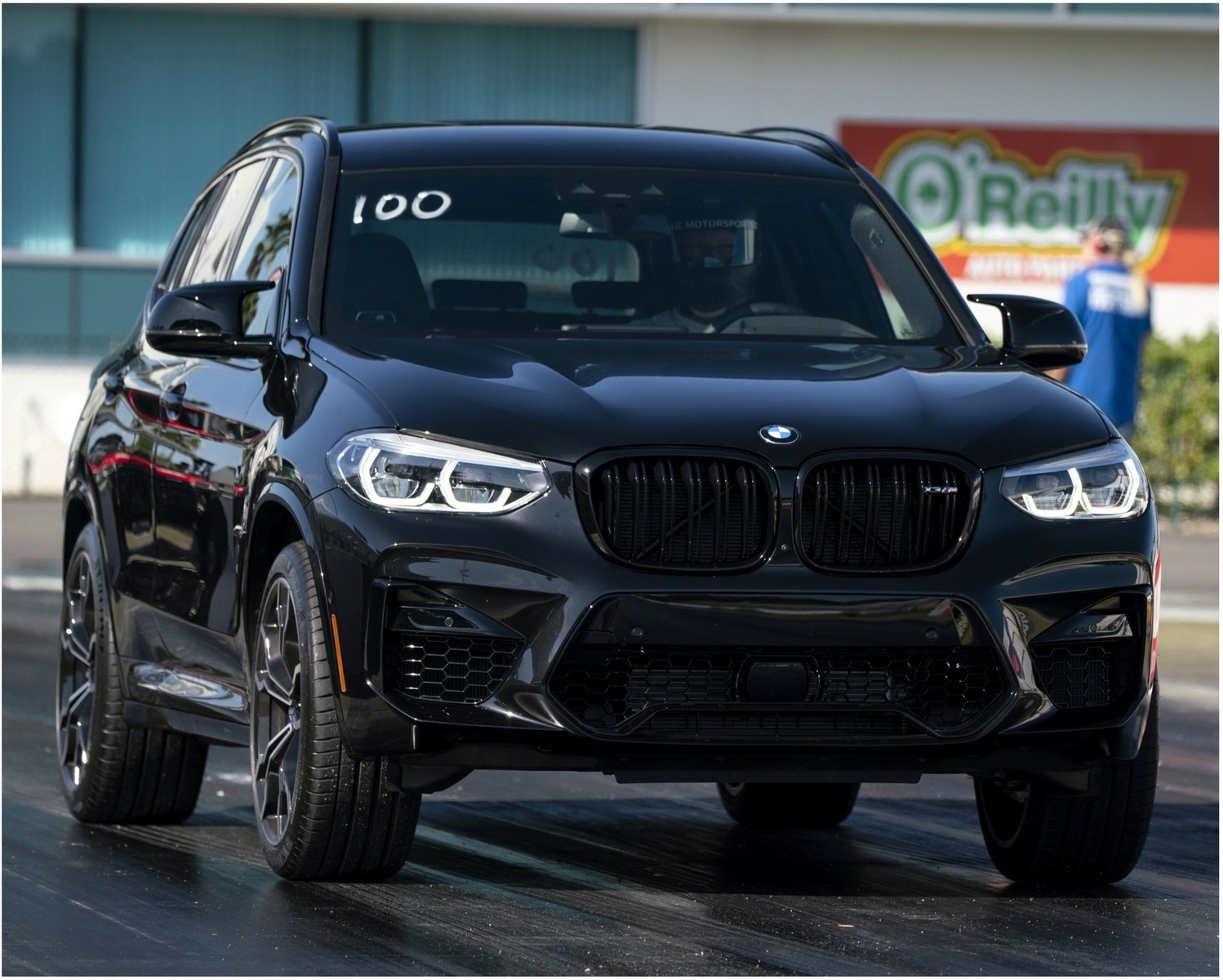
That worked perfectly as well by clicking the '+' again. And the final image, which is the first in the grouping below waiting to be added, will also be added with the '+':

This final image, although of similar pixel size shows up in this editor as much smaller, extending only to the 'k' in the word 'clicking' in the line directly above it. It'll be interesting to see if it's size normalizes when I submit post.