So it is still not WYSIWYG as it was before. It doesn't like to have all three images loaded at once and then pulled up in specific order it seems, and it is defaulting to labelling the jpeg where the actual second image should be, and then places it at the end. And the mystery of why the cursor disappears is the first time I've ever seen this with any editor over the years, including while using this new format.
Let me go ahead and try to upload the screen grabs of my post attempt which I just shared, this time by trying method two, loading and placing only one image at a time.
Here should be the first screen grab showing the little image at the top and the large image placed right below it:
[attach]Trial one example small image - A - Copy.jpg[/attach]
So after placing just this one image I once again lose the cursor, even before I have even uploaded a second image... Now I'll add two more line spaces and try to upload the second image from the PC file and place at the bottom picture holder slot:
[attach]Trial one example small image - B - Copy.jpg[/attach]
At least in the editor I can see the two images I have tried to upload. Still no cursor to identify a line but once I start typing it appears below this image. Now I'll add the third screen grab of my post order after uploading the third image:
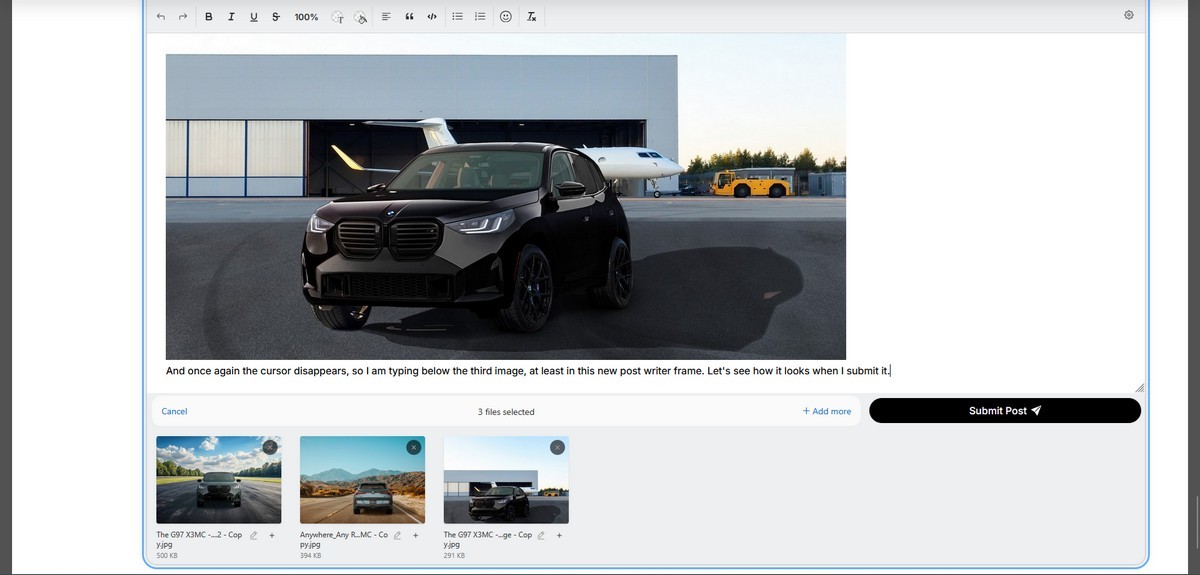
Still no cursor, but now the third has been uploaded and all three images are above this line. Will see what it looks like...