Trial one - loaded all images first before typing by using browse images, finding folder on PC as I always do, selecting image and upload and it populates below this editor. Then, after typing this, I added the front view image here by pulling it up and placing two lines down:
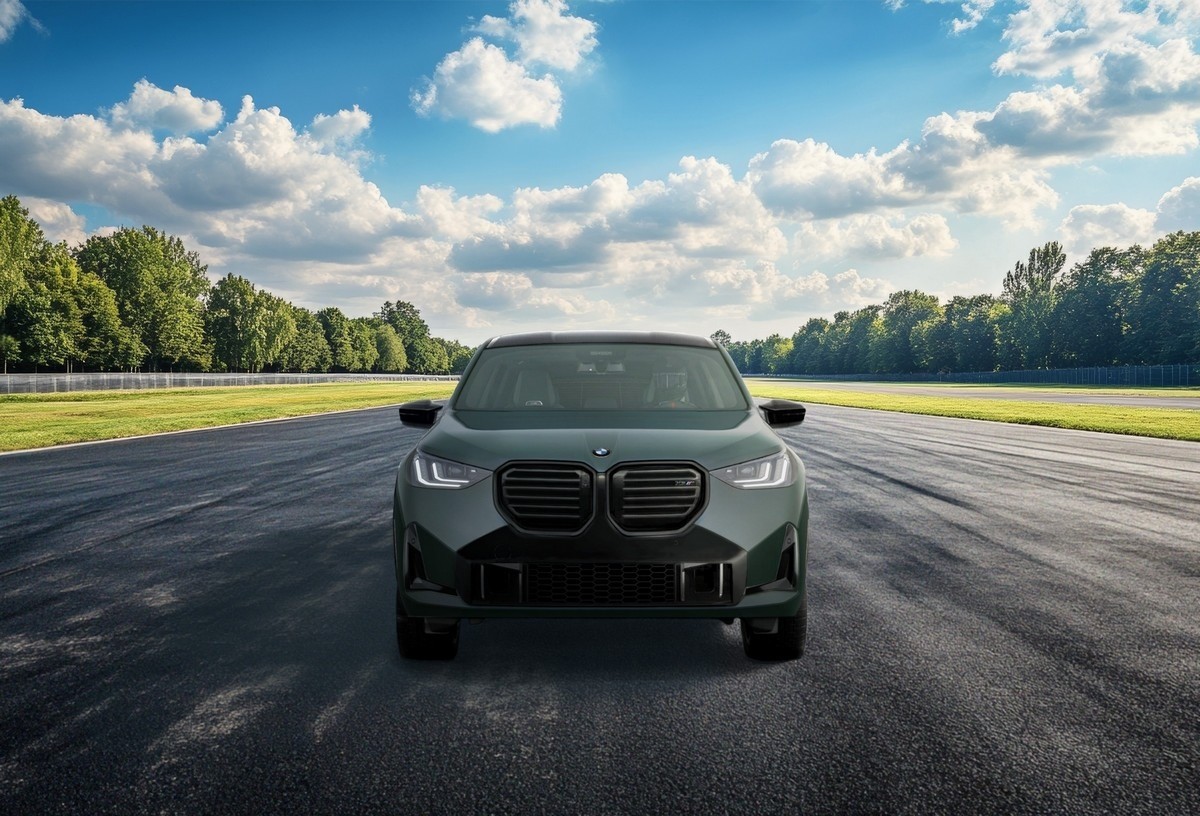
As I type this in the new post window, I see a small image of the frontal view X3MC on a track (above), and the rear view X3MC image rural highway immediately below this text line. Note that after adding the first image the text cursor is no longer viewable so I don't know where I am, but after adding the second image the cursor becomes available to the bottom right edge of the larger (second image).
[attach]Anywhere_Any Route_ The G97 X3MC - Copy.jpg[/attach]
Now I'm going to add the third X3MC image of front qtr view by the hangar:
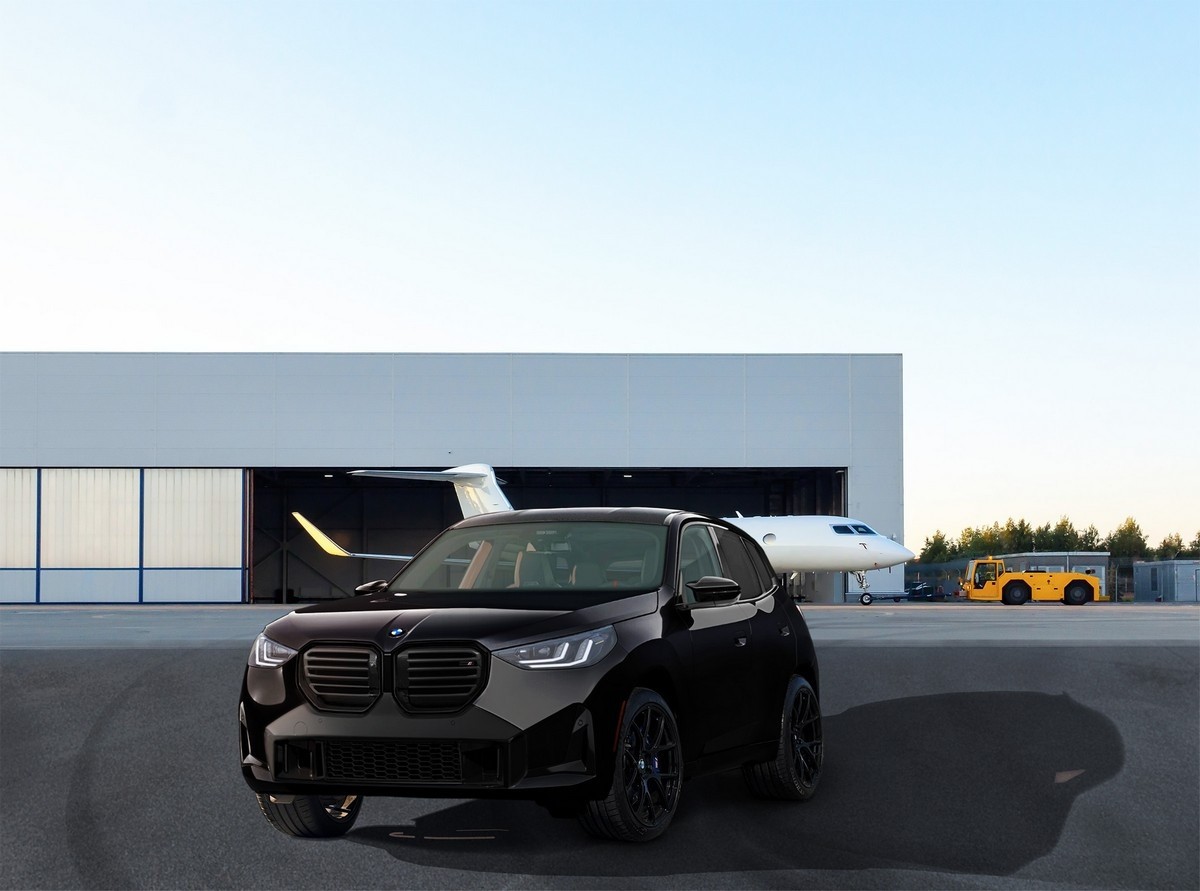
And once again the cursor disappears, so I am typing below the third image, at least in this new post writer frame. Let's see how it looks when I submit it.